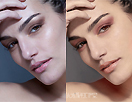
This lesson we'll learn how to create an effect of artificial hair, work with textures and layers, create shadows and highlights and also represent flowery ornaments.
这篇教程我们将学习如何绘制假发,纹理处理,层操作,阴影绘制,装饰花纹绘制。
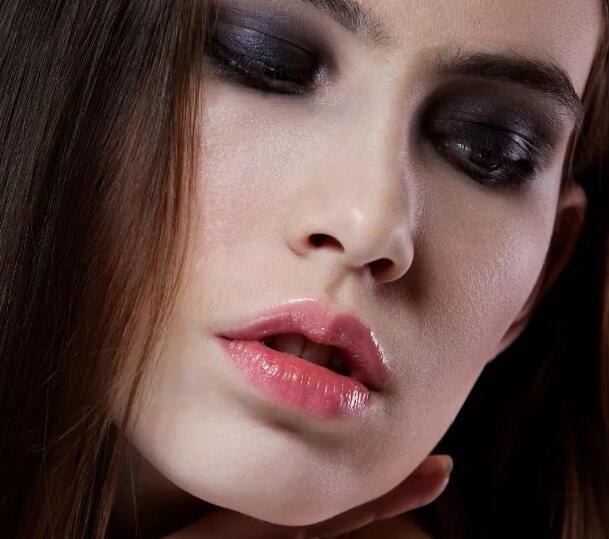
Open the girl's picture: File -Open (ctrl+o)
首先打开一张MM的照片。。。这照片实在是不好找-_-!。。。大家可以自己拍~也可以使用其它图片代替~我们要学习的是创意和技术:)

Mark out the background along the contour, using Polygonal Lasso Tool and delete it with Edit -Cut (ctrl+x)
首先使用多边形套索工具将MM抠出来~剪切并粘贴到新的层里面去。